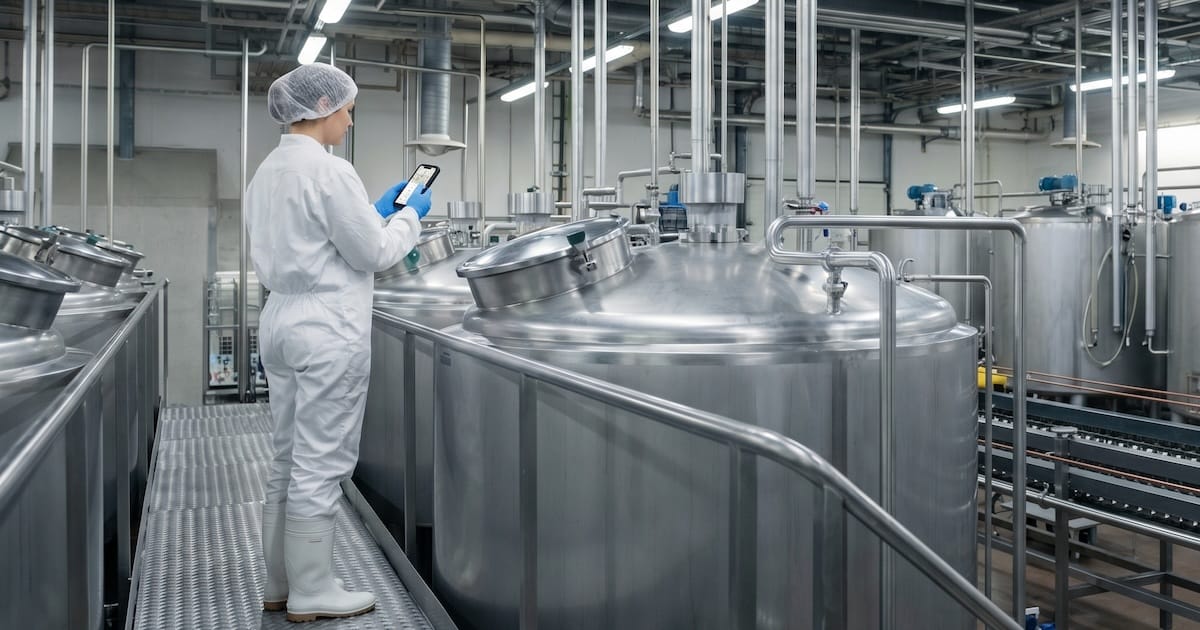

It's Tuesday afternoon. An operator on a packaging line hears a new vibration from a drive motor that she's heard before. It ended with a seized bearing and eleven hours of unplanned downtime.
What does she do next?
She can wait for a planner to walk past, radio the control room, scribble a note in the shift log, or keep running the line and hope it holds until Friday.
None of those options end with a clean SAP notification, a photo of the motor, the exact location, and a planner looking at it within the hour. That gap is an example of what operator-driven reliability exists to close.
What operator-driven reliability actually means.
Operator-driven reliability (ODR) is an asset management approach where frontline operators take a defined role in keeping equipment healthy. Operators own daily care, visual checks, and first-line escalation. Maintenance owns diagnostics, repair, and design improvements. Reliability becomes shared.
The idea has been part of the total productive maintenance (TPM) toolkit for decades, formalized by the Japan Institute of Plant Maintenance and carried into North America through the Society for Maintenance and Reliability Professionals (SMRP).

The core insight has not changed: the people closest to the equipment are usually the first to know when something is off, so your reliability program should give them a way to act on what they notice.
ODR is not the same as autonomous maintenance.
The two terms get used interchangeably, and it matters that you can tell them apart. Autonomous maintenance is one of the eight pillars of TPM. It asks operators to take on a wider set of hands-on care tasks, including cleaning, lubrication, inspection, and minor adjustments, organized in a structured seven-step progression. Done well, it requires sustained training and a full TPM framework around it.
ODR is narrower. It focuses on the information loop: detection, capture, escalation, and feedback. You can run a credible ODR program without a full autonomous maintenance deployment, and many asset-heavy enterprises do exactly that. They want the reliability gains from operator involvement without the cultural overhead of a multi-year TPM rollout. For teams standardizing on SAP PM, that is usually the more realistic starting point.
What ODR is not, and what gets it mistaken for a paperwork exercise, is handing operators a checklist and calling it a program.
A checklist is a starting point; the actual program is the closed loop from "operator noticed something" to "technician did something about it" to "operator saw the outcome." If any link in that loop is missing, the program decays.
Why ODR matters more in 2026.
Two forces make ODR more urgent than it was five years ago.
The first is the workforce. McKinsey's Tradespeople Wanted research, drawing on US Bureau of Labor Statistics data, estimates 20 skilled trade job openings for every one net new worker between 2022 and 2032 across industrial machinery mechanics, millwrights, electricians, and related roles. You cannot hire your way out of that gap. A significant share of the technical knowledge in asset-heavy enterprises is walking out the door this decade, and the queue of replacements is shorter than the queue of retirements.

The second is the cost of getting it wrong. Siemens' True Cost of Downtime 2024 report found that the world's 500 largest industrial companies lose roughly $1.4 trillion annually to unplanned downtime, equivalent to about 11 percent of yearly revenues. Two-thirds of industrial sites deal with unplanned downtime at least once a month. Catching a failure early is worth real money, and operators on the floor are the people best positioned to do the catching.
Put those forces together and the math stops working. More downtime at stake, fewer technicians to prevent it, and a steady loss of the experienced staff who used to hold the whole thing together. Closing that gap without adding headcount means using the people already on the line, next to the equipment, eight hours a day. That is your operators, and they are the largest underused reliability resource in most plants we work with.
Why ODR programs stall in SAP environments.
If you run SAP Plant Maintenance, you already have the data model for all of this:
- A notification is the structured way to raise an issue.
- A work order is the structured way to act on it.
- The asset hierarchy tells you what equipment sits where.
In theory, an operator spots a problem, creates a notification, a planner reviews it, and a work order gets dispatched. That is ODR in SAP terms.
In practice, the loop breaks in four predictable places.
The people closest to the problem can't reach the system.
Most enterprises license their SAP users carefully. Maintenance planners, schedulers, and technicians have accounts. Operators and other production staff, who can number in the thousands at a single site, usually do not. Even where mobile apps exist, they are often locked to corporate-managed devices, which the people who most need them frequently do not carry.
At one large European food and beverage site we work with, the maintenance team estimates at least 20 percent of maintenance-worthy events go unregistered. Not because the operator or forklift driver didn't notice, but because they didn't have an enrolled phone in their hand at the moment it mattered.
That gap is the ODR program. The question is whether a person standing next to a problem has a clean, five-second path to share vital information with the right system. A checklist on a clipboard and a poster in the breakroom don't answer that question.
SAP GUI was not designed for the shop floor or field.
Even where operators do have accounts, SAP GUI is a poor fit for how people work in a plant or out in the field.

Creating a notification through the standard transaction means first finding a computer, then navigating screens designed for back-office use. A 30-second observation becomes a five-minute data entry task in an environment where the operator is standing next to running equipment and has seven other things to do.
Adoption collapses under that friction every time. The comparison of mobile SAP work order apps covers what the alternatives look like.
Paper rounds and paper forms disappear.
Many plants fall back on paper. Operator rounds get printed as a booklet that is anything but short, and that often runs to many tens of pages across a large site. Operators walk the route, tick boxes, and hand the forms to a supervisor at shift end.
Those forms then get filed, typed up days later, or lost entirely. The information that should have triggered a notification sits in a binder. The loop is open at exactly the point where it should close. (For a deeper look at this specific failure mode, see Digital operator rounds: from paper booklets to SAP-connected data.)
The control room becomes a bottleneck.
To avoid the paper problem, some sites route operator observations through a single SAP-trained person, usually in the control room or the maintenance office. Every issue gets radioed in, logged, and entered. This works when volume is low. It fails the moment you have real ODR adoption, because one person cannot transcribe observations from hundreds of operators across a large site in real time. The bottleneck either backs up or people stop calling because they know nothing will happen fast.
These are not failures of the ODR concept. They are failures of the interface between the operator and the system of record. Fix that interface and the concept works as designed.
How data quality helps win budget.
Reliability outcomes are the long answer to why ODR is worth doing. The short answer, the one that gets budget approved, is data quality.
When a capex request for a new production line has to go to senior leaders, the case rests on data: how often the current line has failed, at which components, for how long, at what cost. SAP Plant Maintenance is built to hold that record. Functional locations form a hierarchical tree of the plant, every notification and work order references a point on the tree, and costs and history roll up from the specific asset to every parent above it.
In practice, it rarely works cleanly. At a customer we work with, the maintenance lead described the old pattern: a production operator phones the M&E department, the technician taking the call creates the notification in SAP, and under time pressure they stop one or two levels deep in the tree, above the line rather than on it. Data accumulates at the site, and the line itself looks artificially healthy. When the capex case lands on a leader's desk at headquarters, the evidence to justify it isn't in the system.
QR or barcode scanning removes the manual selection step. The person creating the notification scans the tag on the machine and the app resolves directly to the right asset. Over months, failure history builds up at the level where decisions get made. That's how ODR, done with the right tooling, convinces maintenance leaders and finance leaders at the same time.
What a working ODR loop looks like in SAP.
A working loop has the same six steps whether the issue surfaces during a scheduled operator round or from an ad-hoc observation between rounds. Each step is tied to a concrete SAP object.
1) The operator detects the issue. On a round, the route tells them which checks to run; off the round, something catches their attention: a new vibration, a leak, a reading out of band.
2) The operator identifies the equipment. A barcode or tag on the equipment loads the context: which asset, which line, and which site. On a round, the route has already done this; off the round, the scan is how the observation gets pinned to the right technical object.
3) The operator captures the issue. A short description, optionally photos or a 3D scan. The goal is to give the planner everything they need to triage without a second conversation. First time fix rate goes up when the planner has enough context.
4) The observation becomes an SAP notification. Not an email, not a shift-log entry, not a ticket in a parallel system that someone will later copy in. An actual notification, with the equipment linked, damage and cause codes filled where relevant, and the full context attached. This is the step most plants get wrong, and the step that determines whether the program scales.
5) The notification flows into planning. The operator notification becomes a work order when appropriate. A planner reviews it, assigns priority, schedules it, and dispatches it to a technician with the operator's photos and notes attached. The technician arrives knowing what they are looking at.
6) The loop closes. Once the work is complete, the operator who raised the issue sees the outcome: what was found, what was done, and how long it took. This is the part that makes the program stick. Operators who never hear back stop reporting. Operators who see that their observations led to real action keep reporting, and they get better at it over time.

None of these steps is technically novel. What changes between plants with working ODR and plants without it is the friction at each step. If capturing an issue takes 30 seconds, operators participate. If it takes longer, they don't.
How to start an ODR program.
Pick one asset class and one site. Not the whole plant, not every pump in the enterprise. Start where the reliability cost is highest and the operators are most motivated. Rotating equipment on a critical production line is a common first target. So is a specific rail fleet or a single substation.
Don't try to roll out everywhere at once.
Resources are finite, and the organisational attention needed to make an ODR program stick is more finite than the budget. Pick the site where you're most likely to get a clean result, prove the loop works there, and use what you learn to plan the next one
Define the boundary clearly.
Write down what operators are expected to do, what they are expected to escalate, and what they are not expected to touch. Review it with both groups before rollout. This protects operators from being asked to do technician work, and technicians from scope creep the other way.
Make reporting fast.
If the path from "I see a problem" to "it's in SAP" takes longer than 30 seconds, people will not use the program consistently. That usually means a mobile app designed for field use, with scanning to identify the equipment, voice-to-text for descriptions, and a photo button one tap away.
Feed the data back.
Publish a weekly or monthly summary showing how many notifications were raised, how many led to work orders, and what was found. Name the operators who spotted early-stage failures. Show the downtime that was prevented. This is the step most programs skip, and it is the difference between a program that grows and one that flatlines after three months.
Measure participation before output.
In the first six months, the KPI that matters is how many operators are actively reporting, not how many issues they find. If your participation rate is rising, the finding rate and data quality will follow. If participation is stalling, something in the loop is broken and you need to fix it before adding more sites.
Common mistakes to avoid.
Each one of the failure modes below quietly kills a program that is otherwise set up to succeed. They are about how people get treated when they report something, how the information flows once captured, who the interface is designed for, and what leadership chooses to watch.
Blame culture is the fastest way to end participation.
If an operator reports a small leak and gets asked why she didn't catch it sooner, she learns not to report the next one. The cultural work of separating observation from fault has to happen before the technology rollout, not after.
Paper-based capture undermines the program no matter how good the training is.
If the information sits in a binder until someone types it up, the feedback loop is too slow to be useful. Operators stop trusting that their reports matter, and reports slow down, then stop.
Software designed for SAP experts kills adoption.
If the software the operator uses looks like SAP GUI in miniature, the result is the same as if they had to use SAP GUI: it doesn't happen. The interface has to be designed for someone who has never seen a transaction code and never should.
Measuring the wrong things hides real problems.
Counting notifications raised tells you whether people are engaging with the program. It doesn't tell you whether the notifications are useful. Track qualitative measures too: how many notifications led to work orders, how often technicians can triage without a second conversation, and how many findings caught a failure in its early stages rather than after the breakdown.
Change is worth it, but it takes time.
Peer-reviewed research on ODR inspection routes and case studies across process industries consistently show meaningful reductions in unplanned failures once operator participation is consistent and the detection loop closes properly. The gains are real, but sluggish adoption is common for programmes like this at large enterprises: Your EAM software ROI depends on one thing: whether anyone uses it.
Arkyn's FastApp Suite is your path to faster adoption and successful ODR.
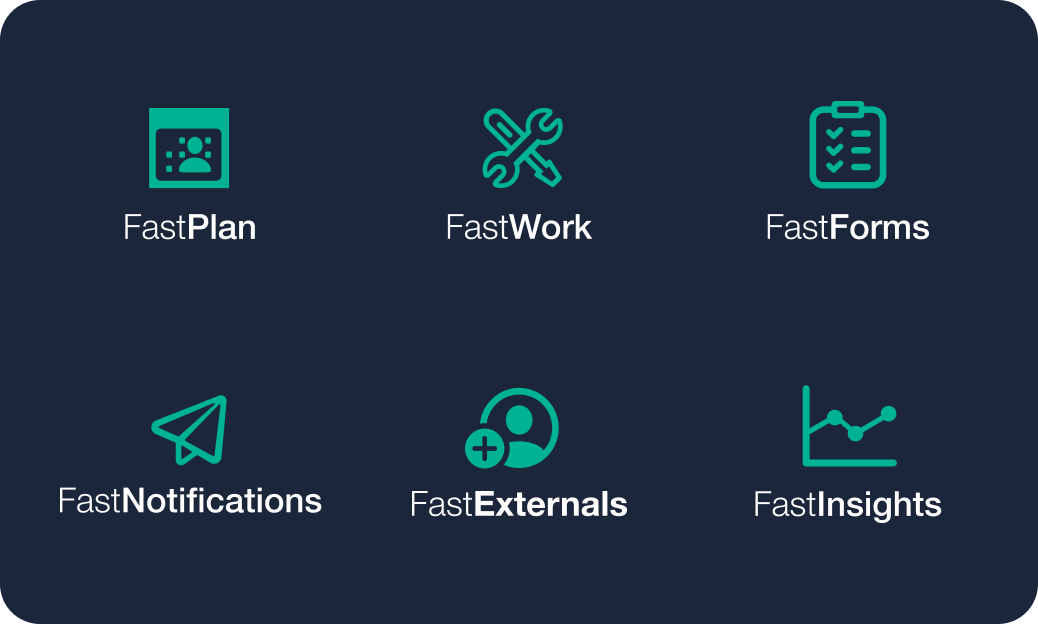
FastNotifications lets any employee report an issue to SAP in seconds, with no SAP training and no SAP license, using barcode scanning, photos, speech-to-text, and 3D scans.
FastForms digitizes operator rounds, inspection checklists, and safety forms, with each form pre-filled from SAP and submissions written back as structured records. You can watch a full walkthrough of FastForms here: Introduction to FastForms for SAP mainteannce. When a reading is out of range or an operator spots something between checks, the form itself can raise a notification, work order, or dismantle request inline. You can learn more about FastForms on the SAP Store.
Together, they turn the observation an operator makes on the floor into something a planner can act on immediately.